How to Block Adult Websites on iPhone (2026 Guide – What Actually Works)
How to Block Adult Websites on iPhone (2026 Guide – What Actually Works)
How to Block Adult Websites on iPhone (2026 Guide – What Actually Works)
Aditi Vanjani • Jan 12, 2026
Aditi Vanjani • Jan 12, 2026
TL;DR
Blocking adult websites on iPhone using only Screen Time does not fully work in 2026.
Private browsing, Chrome, in-app browsers, and encrypted connections create gaps.
What actually works:
Use Screen Time as a baseline
Add content-level blocking that works across browsers and apps
(Optional) Use DNS filtering as a secondary layer
If adult content is still accessible on your iPhone, it’s not because you configured it wrong — it’s because iOS restrictions alone are incomplete.
TL;DR
Blocking adult websites on iPhone using only Screen Time does not fully work in 2026.
Private browsing, Chrome, in-app browsers, and encrypted connections create gaps.
What actually works:
Use Screen Time as a baseline
Add content-level blocking that works across browsers and apps
(Optional) Use DNS filtering as a secondary layer
If adult content is still accessible on your iPhone, it’s not because you configured it wrong — it’s because iOS restrictions alone are incomplete.
TL;DR
Blocking adult websites on iPhone using only Screen Time does not fully work in 2026.
Private browsing, Chrome, in-app browsers, and encrypted connections create gaps.
What actually works:
Use Screen Time as a baseline
Add content-level blocking that works across browsers and apps
(Optional) Use DNS filtering as a secondary layer
If adult content is still accessible on your iPhone, it’s not because you configured it wrong — it’s because iOS restrictions alone are incomplete.
Why Blocking Adult Content on iPhone Is Harder Than It Sounds
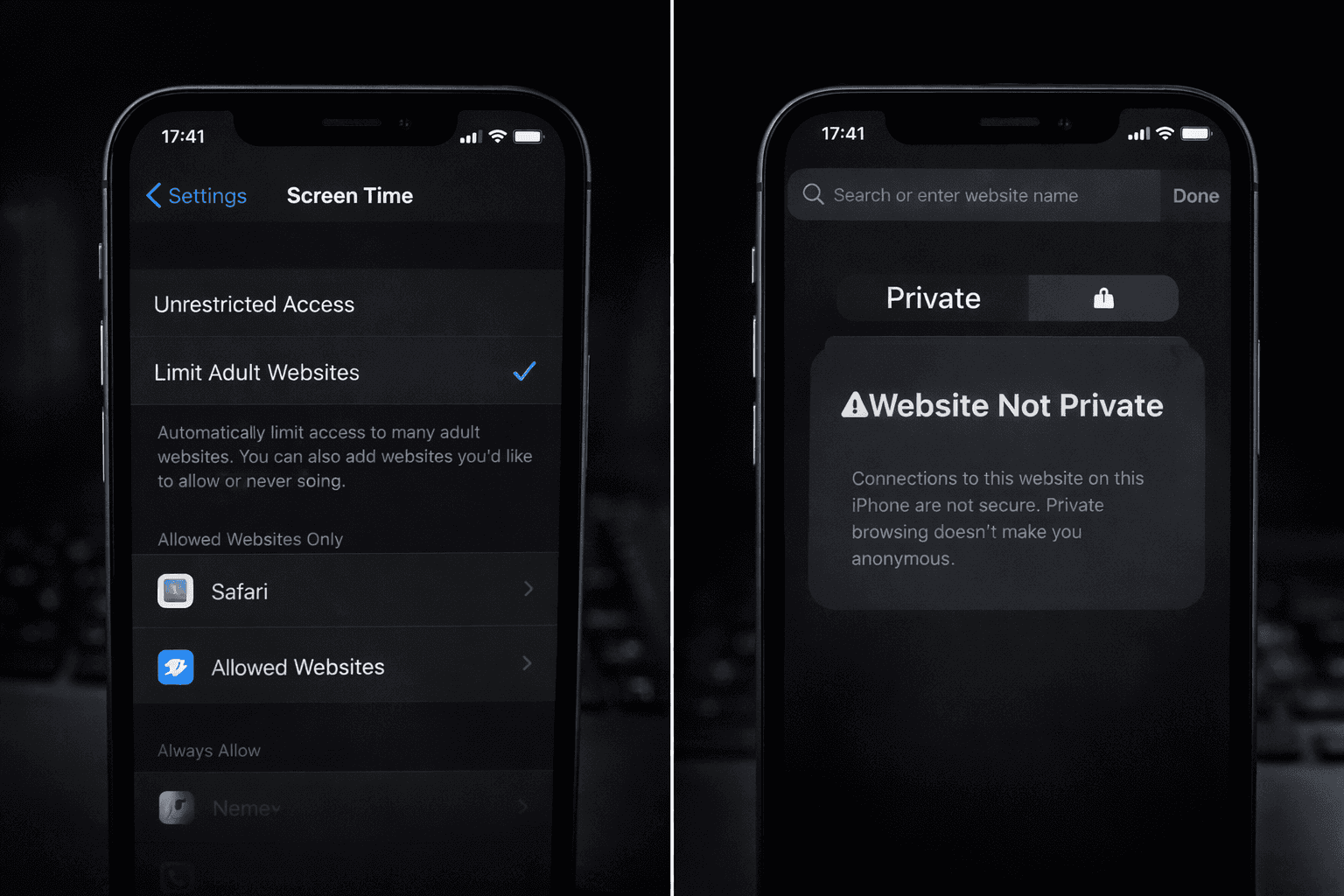
Apple’s Screen Time gives the impression that adult content can be “blocked” with a few taps. In reality, Apple itself describes this as limiting adult websites — not fully blocking them.
Modern adult websites:
Rotate domains frequently
Load content dynamically
Appear inside apps (not just browsers)
Use encrypted delivery
This is why many users think adult content is blocked — until they discover it still loads in private mode or another browser.
How Adult Websites Still Get Through on iPhone
Most failures happen because of how iOS handles web traffic, not because of user mistakes.
Common loopholes:
Private Browsing loads content without saving history
Chrome & third-party browsers don’t rely only on Safari rules
In-app browsers bypass Safari entirely
DNS traffic is not filtered by default
New adult sites aren’t on Apple’s block list yet
This explains why restrictions feel inconsistent.
Method 1: Blocking Adult Websites Using Apple Screen Time (Baseline)
Private Browsing on iPhone is often mistaken for a safety feature. It is not.
Private Browsing does not:
Block websites
Filter adult content
Prevent network tracking
It only removes local history.
Apple introduced Locked Private Browsing, but this only locks access to tabs — not the content itself.
External reference:
https://support.apple.com/en-in/105028
Private Browsing on iPhone is often mistaken for a safety feature. It is not.
Private Browsing does not:
Block websites
Filter adult content
Prevent network tracking
It only removes local history.
Apple introduced Locked Private Browsing, but this only locks access to tabs — not the content itself.
External reference:
https://support.apple.com/en-in/105028
Private Browsing on iPhone is often mistaken for a safety feature. It is not.
Private Browsing does not:
Block websites
Filter adult content
Prevent network tracking
It only removes local history.
Apple introduced Locked Private Browsing, but this only locks access to tabs — not the content itself.
External reference:
https://support.apple.com/en-in/105028
Why Private Browsing Is the Biggest Weak Point
Private Browsing on iPhone is often mistaken for a safety feature. It is not.
Private Browsing does not:
Block websites
Filter adult content
Prevent network tracking
It only removes local history.
Apple introduced Locked Private Browsing, but this only locks access to tabs — not the content itself.
External reference:
https://support.apple.com/en-in/105028
Method 2: Blocking Adult Content Across All Browsers and Apps (Most Reliable)
If your goal is consistent adult content blocking, you need to block content before it loads, regardless of browser or mode.
Why Browser-Only Blocking Fails
Today’s iPhone usage includes:
Safari
Chrome
Embedded in-app browsers
Search previews
Social media links
Blocking Safari alone leaves multiple access points open.
How Content-Level Blocking Solves This
Content-level blockers:
Intercept traffic at a deeper level
Work in private browsing mode
Block explicit images and videos, not just URLs
Apply across browsers and apps
This is the same approach used by leading parental-control and safety platforms.
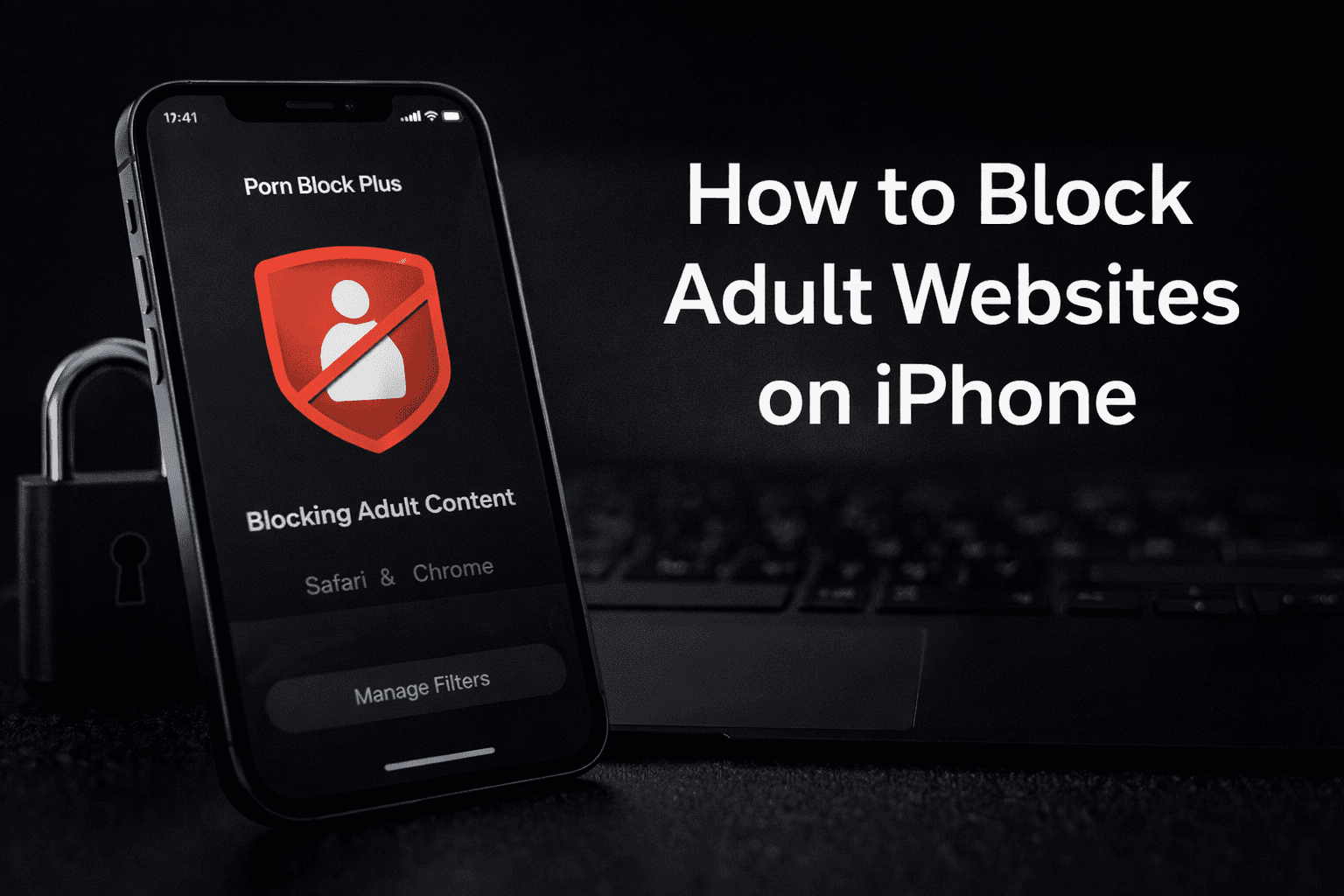
Where Porn Block Plus Fits In
Porn Block Plus is designed specifically to address the gaps left by Screen Time.
It helps you:
Block adult websites across Safari, Chrome, and apps
Prevent access in Private Browsing
Filter explicit images and videos
Maintain protection even as new sites appear
This is not a replacement for Screen Time — it’s the layer that completes it.
👉 Block Adult Content on iPhone Completely
📲 Download Porn Block Plus on the App Store
https://apps.apple.com/us/app/porn-block-plus/id1220328164
(Works alongside Screen Time. No complicated setup.)
Method 3: DNS-Level Blocking (Optional Extra Layer)
DNS filtering blocks requests before a website loads.
Pros
Network-wide protection on Wi-Fi
Blocks known adult domains
Cons
Does not protect mobile data reliably
Breaks on network changes
Cannot filter in-app content
DNS works best in combination with app-level blocking.
External reference:
https://support.google.com/websearch/answer/510
Most Common Reasons Adult Content Still Appears
If adult websites are still loading, it’s usually because:
Only Safari was restricted
Private browsing was overlooked
In-app browsers were ignored
Static block lists were used
This is why layered protection matters.
Final Takeaway
Blocking adult websites on iPhone isn’t about stricter rules — it’s about better coverage.
Screen Time limits content.
Porn Block Plus blocks it.
If adult content is still slipping through, the solution isn’t more settings — it’s the right layer.
👉 Take control of iPhone browsing today
📲 Download Porn Block Plus
https://apps.apple.com/us/app/porn-block-plus/id1220328164
FAQs
Can adult websites be fully blocked on iPhone?
Yes — but only when Screen Time is combined with content-level blocking. Screen Time alone limits some adult websites, but full protection requires blocking content across all browsers and apps.
Does private browsing bypass restrictions?
Yes, unless the blocker works beyond the browser level. Private browsing can still load adult content if restrictions only apply to Safari or browser settings.
Is Porn Block Plus compatible with Screen Time?
Yes. Porn Block Plus works alongside Screen Time. Screen Time provides baseline controls, while Porn Block Plus adds deeper content-level blocking.
Does Porn Block Plus work in private mode?
Yes. Porn Block Plus blocks adult content regardless of browsing mode, including private browsing.